對於許多第一次嘗試出售二手 3C 產品的人來說,NAS (網路儲存伺服器) 似乎是一種複雜的設備。不同於手機一眼就能認出品牌,Synology NAS 的型號與規格往往讓賣家感到困惑:「我這台到底是哪一款?」、「賣掉前我的資料該怎麼辦?」。別擔心,這篇 二手 Synology 交易教學 將帶您一步步完成準備工作,協助您將閒置的 DiskStation 順利變現,交給專業的收購商——青蘋果3C。
For many people trying to sell used 3C products for the first time, a NAS (Network Attached Storage) seems like a complex device. Unlike phones where the brand is instantly recognizable, the models and specifications of Synology NAS often confuse sellers: “Which model is this exactly?” and “What should I do with my data before selling?” Don’t worry, this used Synology trading tutorial will take you step-by-step through the preparation work, helping you successfully cash out your idle DiskStation by handing it over to a professional buyer—GreenApple 3C.
👉 我準備好了!立即前往查詢收購價格 (Check Buyback Price)
步驟一:確認您的型號 (Check Your Model)
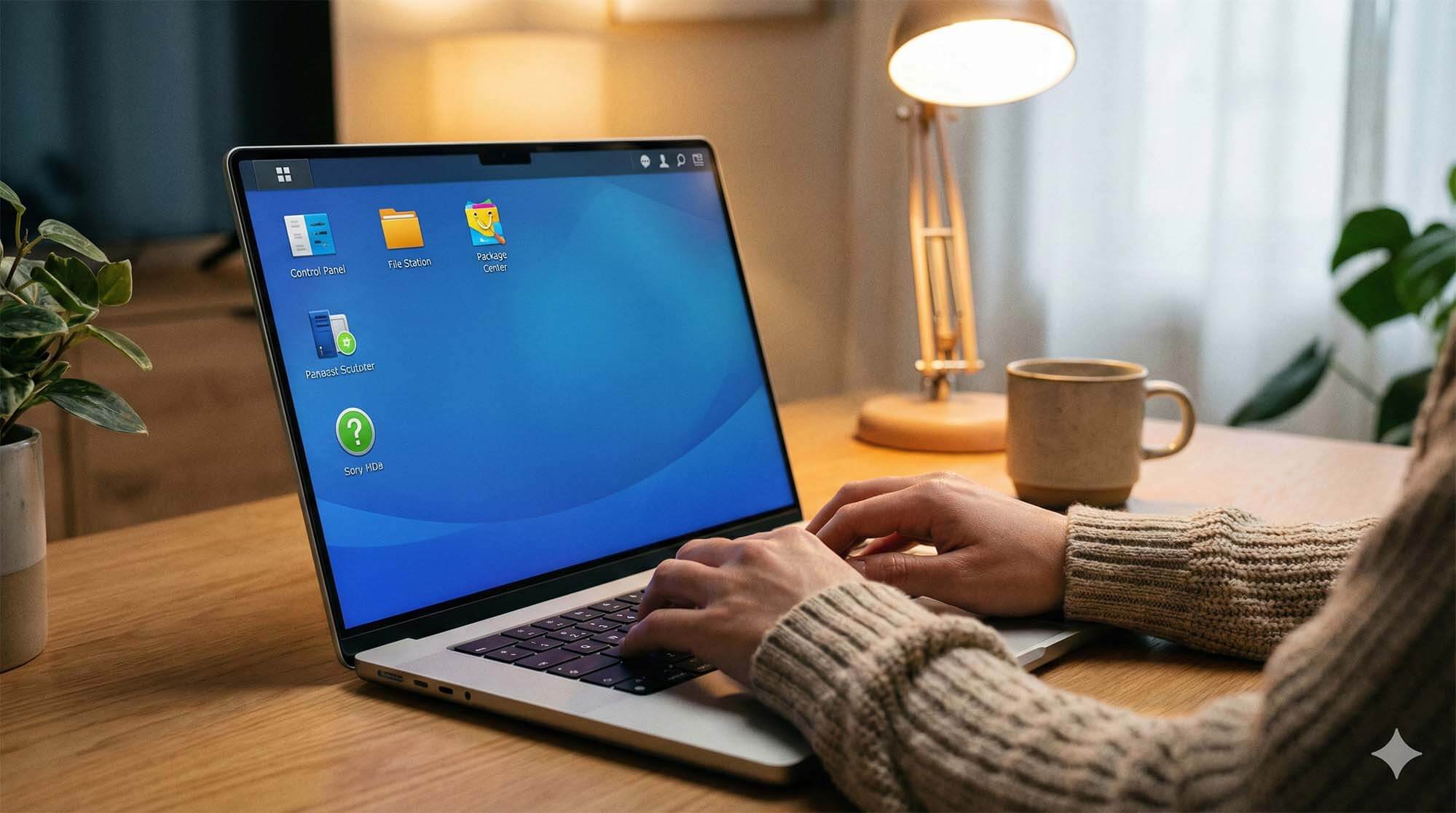
在進行估價前,您必須先知道手上的機器型號。最簡單的方法是查看 NAS 機身正面或背面的貼紙,通常會標示如 DS220+, DS918+, DS720+ 等字樣。如果您無法確認,也可以登入 DSM 系統,在「控制台」>「資訊中心」中查看產品型號。清楚的型號資訊能讓青蘋果3C 的估價師在第一時間提供最精準的報價,節省雙方溝通的時間。
Before valuation, you must know the model of the machine in your hand. The simplest way is to check the sticker on the front or back of the NAS chassis, which usually indicates text like DS220+, DS918+, DS720+. If you cannot confirm, you can also log in to the DSM system and check the product model in “Control Panel” > “Info Center.” Clear model information allows GreenApple 3C’s appraisers to provide the most accurate quote immediately, saving communication time for both parties.
步驟二:備份與重置 (Backup & Reset)
賣出 NAS 前,請務必確認所有重要資料都已備份至雲端或其他硬碟。接著,您可以進行基本的系統重置 (Reset)。在 Synology 機背通常有一個小孔 (RESET 鈕),使用迴紋針長按約 4 秒直到聽到嗶聲,可重置網路設定;長按 4 秒放開後再長按 4 秒,則可重裝系統。當然,若您覺得操作太複雜,青蘋果3C 提供完整的資料清除服務,您只需將機器帶到門市,我們會有專人為您處理後續的硬碟格式化工作。
Before selling your NAS, please make sure all important data has been backed up to the cloud or another hard drive. Next, you can perform a basic system Reset. There is usually a small hole (RESET button) on the back of the Synology unit. Use a paperclip to press and hold for about 4 seconds until you hear a beep to reset network settings; press and hold for 4 seconds, release, and then press and hold for another 4 seconds to reinstall the system. Of course, if you find the operation too complicated, GreenApple 3C provides complete data erasure services. You just need to bring the machine to the store, and our specialists will handle the subsequent hard drive formatting for you.
🔥 新手免煩惱,交給專業收購 (Easy for Beginners)
不需要懂電腦技術,也能輕鬆賣掉舊 NAS。立即聯繫青蘋果3C,我們的客服人員會引導您完成所有步驟,讓二手交易變得簡單又安全。
You don’t need to know computer technology to easily sell your old NAS. Contact GreenApple 3C immediately. Our customer service staff will guide you through all the steps, making the second-hand transaction simple and secure.
🚀 官方線上客服與估價:
👉 前往青蘋果3C 官網估價 Synology (Get Quote)